Skip to plugins

Push Framer past its limits.

An ecosystem of plugins that solve Framer problems from start to finish. Pluginbase pushes Framer further.

Trusted by 3,000+ Framer users

The plugins

Each plugin solves a Framer problem from start to finish.

Content moves in and out of the Framer CMS. Your Figma design system comes across intact. Image work happens on the canvas instead of in another app. Everything installs from the Framer Marketplace.

Feedify RSS

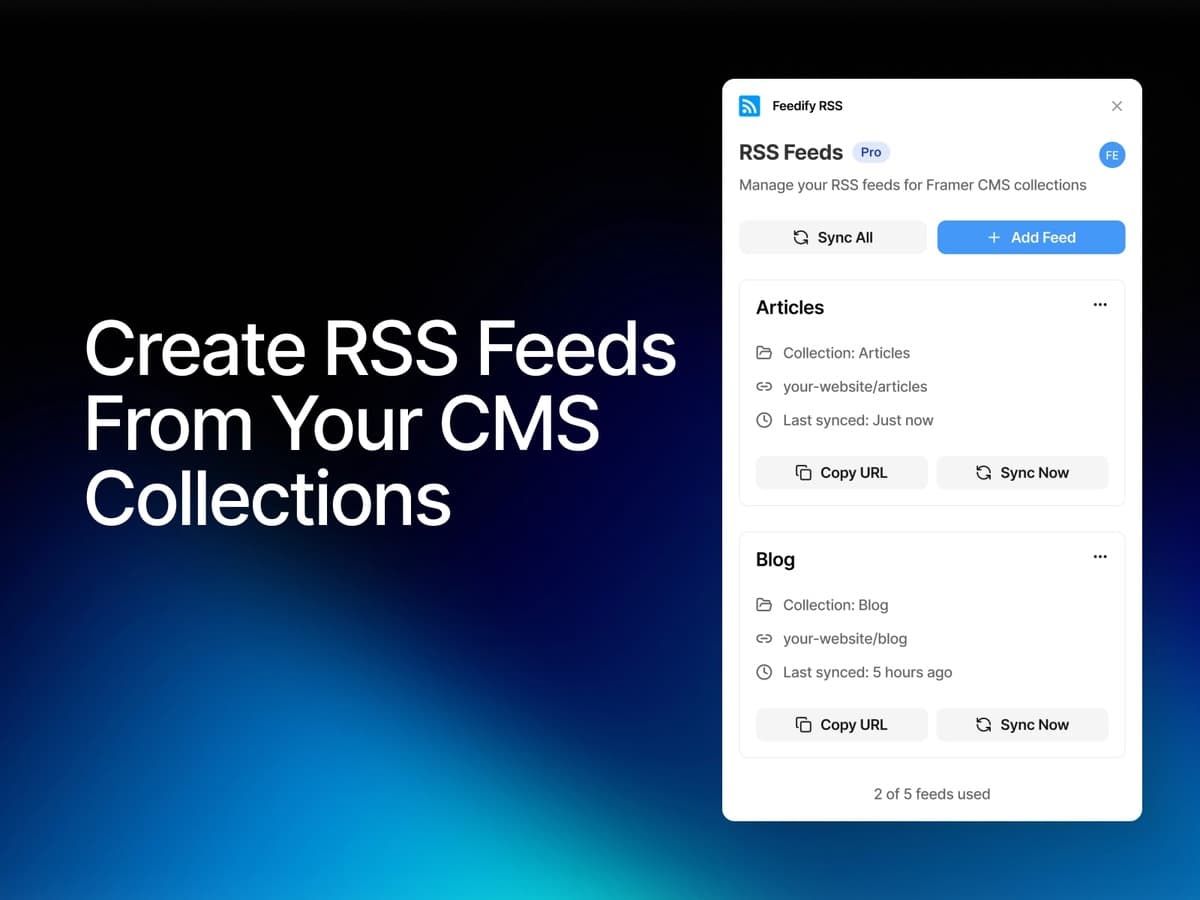
Turn your Framer CMS into RSS feeds

Generate validated RSS feeds from your Framer CMS collections. Your content flows to feed readers, newsletters, and aggregators with one-click updates.

  • One Click Sync
  • Universal Compatibility
  • Realtime Updates
  • Auto-Discovery Tags

Figma Sync

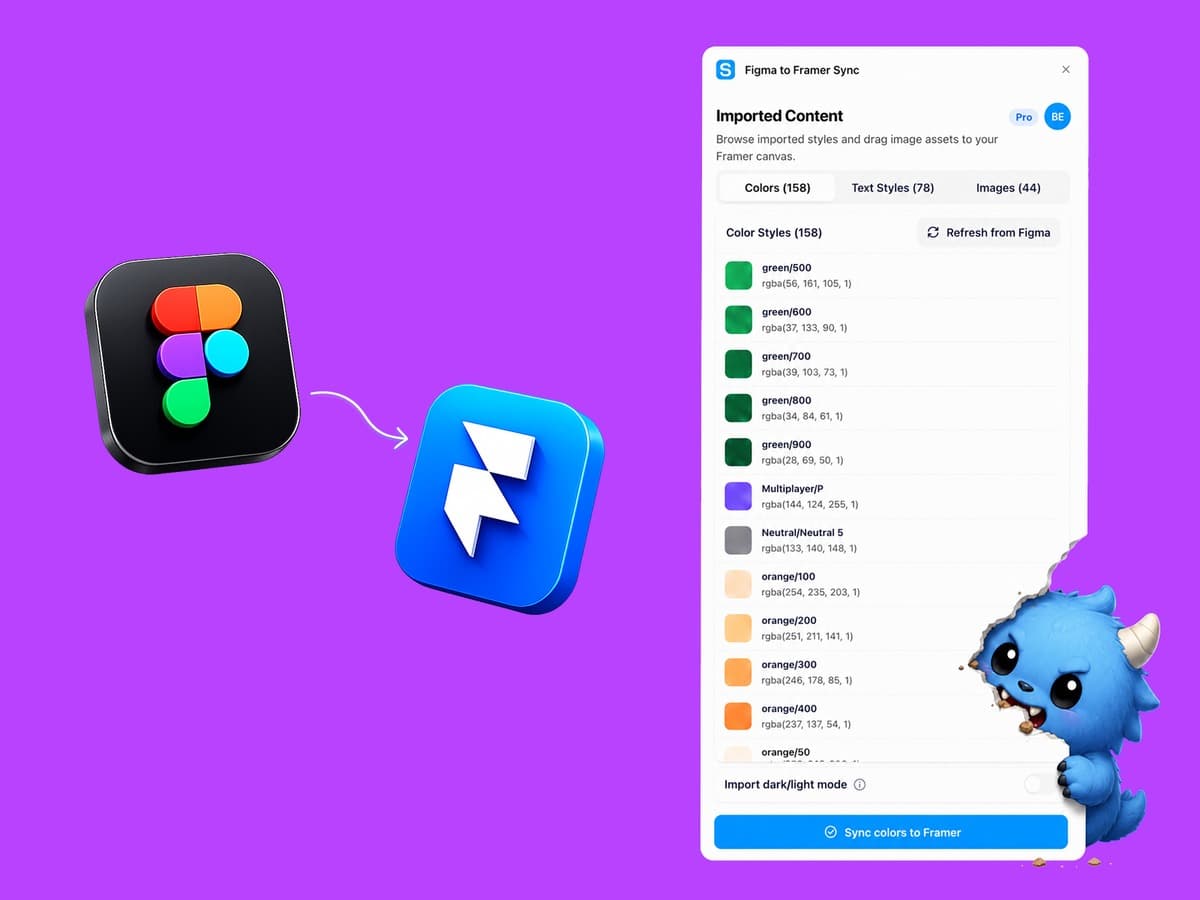
Bring your Figma design system into Framer

Figma Sync connects your Figma files to Framer, so you can bring design styles and assets into your project without rebuilding them by hand.

Import a Figma file, review what was found, then sync color styles, text styles, light/dark color modes, and image assets into Framer.

  • Color Style Sync
  • Text Style Sync
  • Light and Dark Mode Colors
  • Assets Import

RSS to CMS

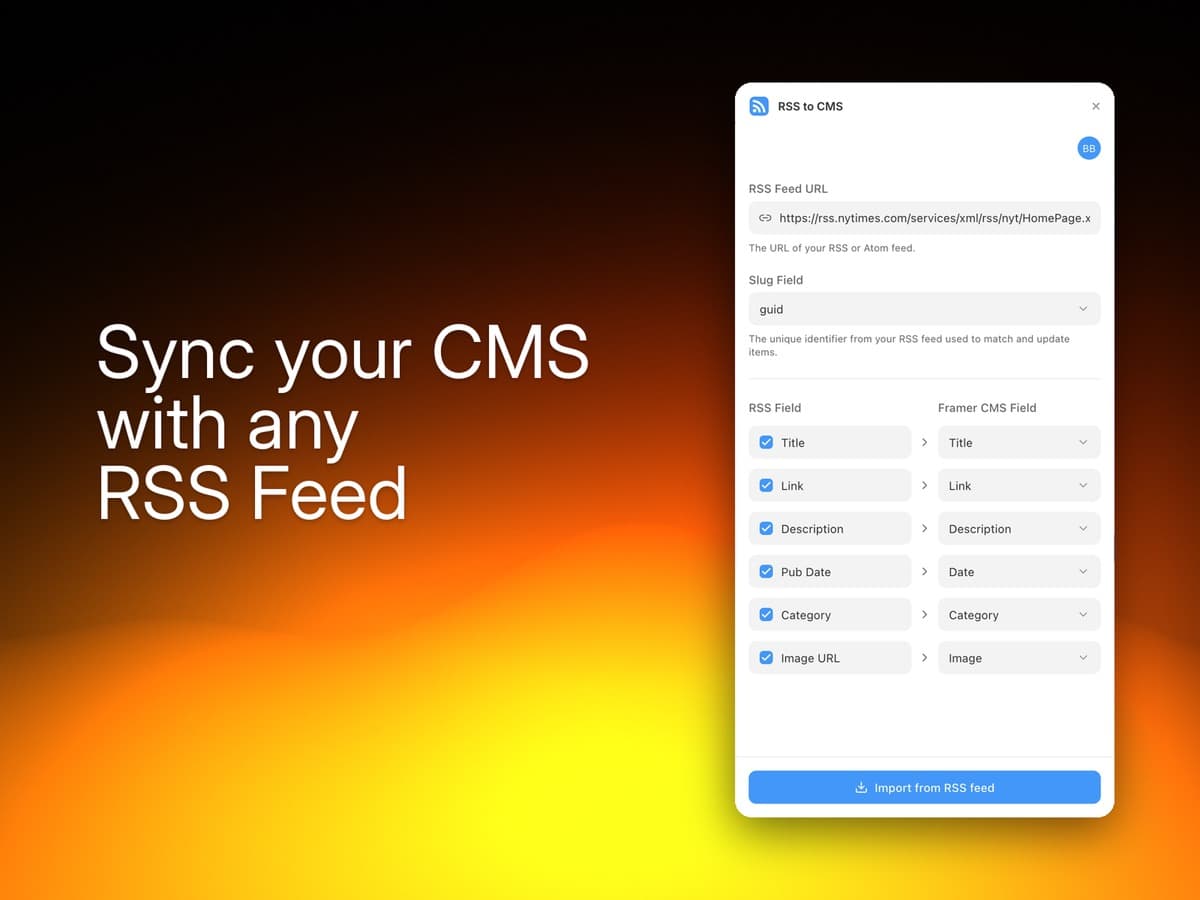
Pull any RSS feed into your Framer CMS

Turn any RSS feed into a Framer CMS collection in seconds. Paste a URL, hit import, and design with real content that's automatically kept in sync.

  • Any feed, instantly
  • Smart field mapping
  • Stays in sync
  • Zero setup

Image Effects & Filters

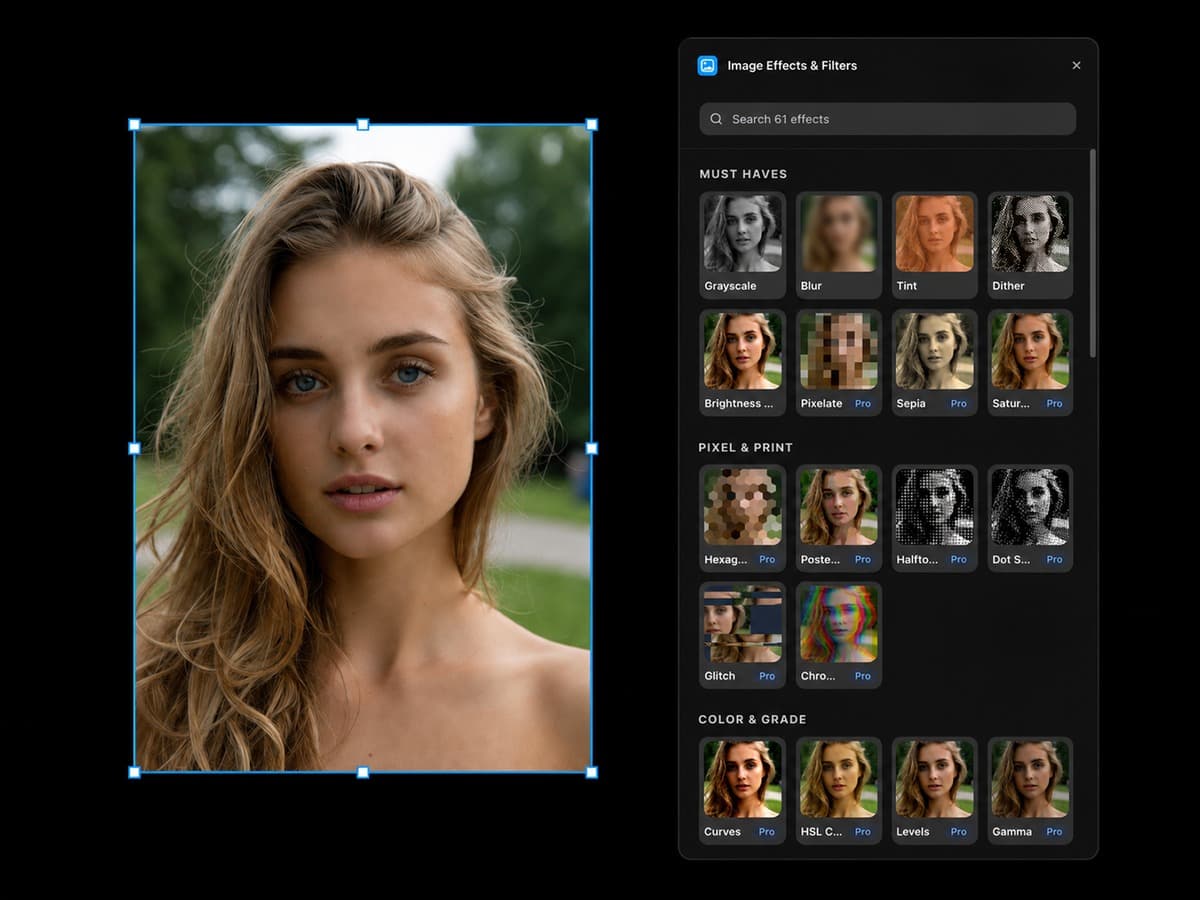
60+ professional image effects & filters, inside Framer

Edit images without leaving Framer. No Photoshop, no exporting, no re-uploading.

60+ effects: blurs, color grades, film grain, glitch, halftone, distortions, and more. No design skills. No subscription. Just better images, faster.

  • 60+ effects
  • Live previews on your own image
  • Precise controls
  • Reverse instantly

FAQ

Frequently asked questions

How do I install a Pluginbase plugin?

Each one is listed on the Framer Marketplace. Open your Framer project, find the plugin, and install it — it runs inside the editor. There's nothing to download and no account to create before you start.

Do I need my own server or API keys?

No. Figma Sync asks you to connect a Figma file, and that's the only external account any of them needs. Feed hosting, validation, and scheduling are handled by Pluginbase.

What's the difference between Feedify RSS and RSS to CMS?

They point in opposite directions. Feedify RSS publishes your Framer CMS out to the world as a validated RSS, Atom, or JSON feed. RSS to CMS pulls an outside feed into your Framer CMS as real collection entries. Plenty of people run both.

Can I get a refund?

Yes. There's a 30-day money-back guarantee on all products.

What if I need help?

Just send us a message and the founder (me) will help you directly. No getting rerouted through different support layers.

Pick the one that unblocks you today.

Every plugin installs from the Framer Marketplace in a couple of clicks, and each has a free path in so you can judge it on your own project before spending anything.